

Microsoft Dynamics 365 Business Central
for food and beverage manufacturers and distributors
Farm to fork traceability with Dynamics Food, ERP tailored for the food and drink sector
Full visibility: an accurate view of operations, from shop floor to top floor
A recipe for success: quality, inventory, EDI and more in a single system
Audit-ready 24/7: built-in compliance to avoid costly mistakes

Dynamics Food: your all-in-one food ERP software
Safety, compliance and looming audits making you feel queasy? Need a more accurate view of your production costs? Tired of piecing together information to try and find the best way forward for your business?
We’ve got the key ingredient.
Dynamics Food is your all-in-one food manufacturing ERP built on the trusted Microsoft Dynamics 365 Business Central platform.
Relying on separate systems for each business function is long past its sell-by date. From manufacturing and distribution through to sales, purchasing and finance, choose Dynamics Food – a one-stop solution that meets all your traceability, compliance, quality and inventory needs.
Dynamics Food: The perfect recipe for business transformation in the food industry
Want to understand the true extent of how Dynamics Food helps manufacturers and distributors? From streamlining warehouse operations and strengthening supplier relationships to finetuning forecasting and uncovering the true cost of production – find all this and more.

Why partner with Tecman for Microsoft Dynamics 365 Business Central for food implementation?
Your industry is our bread and butter
For years, we’ve worked side by side with manufacturers and distributors in the food and drinks sector to drive digital transformation that makes a real difference. We understand the intricacies of food production, supplying retailers, BRC compliance and more, giving you confidence we can get your food ERP implementation right first time.
Apps to make life easier
Handle EDI, quality, manufacturing execution and more without needing to leave your food ERP software. Microsoft-approved apps from our sister brand, Clever Dynamics make Dynamics 365 Business Central (the technology at the core of Dynamics Food) tick all the right boxes for you, saving time, money and effort.
A partnership that won’t go stale
Tecman will support you through discovery, implementation and beyond. Offering top tier support, our UK-based team will keep your Dynamics 365 Business Central system running smoothly. Plus, we offer regular free scheduled training, as well as bespoke training at your HQ, our HQ or remotely (whatever works best for you!).
A helping hand with AI adoption
According to Microsoft, every business will be on their journey to becoming a ‘frontier firm’ (where humans and AI agents work together as standard) in the next two to five years. We’re here to help you grasp AI-driven opportunities and make sure you don’t get left behind.
More value from your ERP investment
A commitment to Microsoft Dynamics 365 Business Central can last decades and we want to make sure you get as much as you can from that investment. We share lots of free learning resources, including how-to blogs, our Tecman Talks Dynamics podcast and Tecman Talks AI video series. You can expect an invite to our annual Customer Day too, packed with exciting learning opportunities.
Trusted by


Microsoft Dynamics 365 Business Central with food manufacturing features baked in
There are lots of reasons why you should consider Business Central if you’re on the hunt for a new food ERP software. Whether it’s lot and batch traceability to support quick recalls or automated enforcement of handling rules to keep quality and compliance top of mind, Business Central ticks a lot of important boxes.
And mixing Tecman’s Business Central know-how and years of experience in food manufacturing and distribution with a spoonful of added comfort from Microsoft – a name you already know and trust – makes Dynamics Food the perfect recipe for success in the food and beverage industry. Here are some of the key features that come as part of our Dynamics Food ERP software package.

When you use Business Central for food, tracking ingredients from source to shelf is easy. Efficient lot tracking for each individual ingredient sees all goods-in given their own lot number – those ingredients are used in recipes, and the end product is given a ‘finished goods’ lot number of its own.
This gives full forwards and backwards traceability, helping you identify which supplier provided the specific ingredients and which end products each ingredient went into. Meanwhile, lot attributes give you the chance to record extra information about ingredients or products, including allergens or country of origin – key for effective lot management.
Got more questions about Dynamics Food?
We’ve got you covered… Visit our dedicated FAQ page for short, digestible videos on how Dynamics Food integrates with other software and supports quality management, warehouse improvements, cost tracking and a whole lot more.

You might be interested in...
Blog
How to choose the right ERP software: A practical guide for food manufacturers and distributors
A practical guide to choosing the right food ERP software. Learn what manufacturers and distributors should consider around traceability, recipe management, compliance, shelf life and long-term fit.
Blog
From seasonal survival to success: How a trustworthy food ERP can help you tackle your peaks
From Christmas confectionery chaos to heatwave stockouts, here’s how ERP food software can help food manufacturers overcome demand surges, supply chain disruption and more.
Blog
The true cost of food safety non-compliance: Why cutting corners isn’t worth the risk
Think it’s worth cutting corners on compliance? Think again. Let’s explore the lasting impact of food safety non-compliance and why choosing the right food ERP software can help.

Blog
Quality control in food manufacturing: How to avoid costly mistakes
Explore common quality control challenges in food manufacturing – from traceability and allergen management to compliance – and how food ERP software helps avoid costly mistakes.

eBook
8 signs your business software has passed its sell-by date
If you're struggling to understand margin leakage or fruitlessly searching for the information you need for audits, you aren't alone. The question is, is your software hindering rather than helping? Here are eight signs that's probably the case.

eBook
The chaos of Christmas for food suppliers
Christmas may be the “most wonderful time of the year” for some, but for food businesses, it often means pressure. Discover five ways to stay in control – from managing demand spikes to putting the right systems in place, so you can turn Christmas chaos into a chance to grow.
Video case study
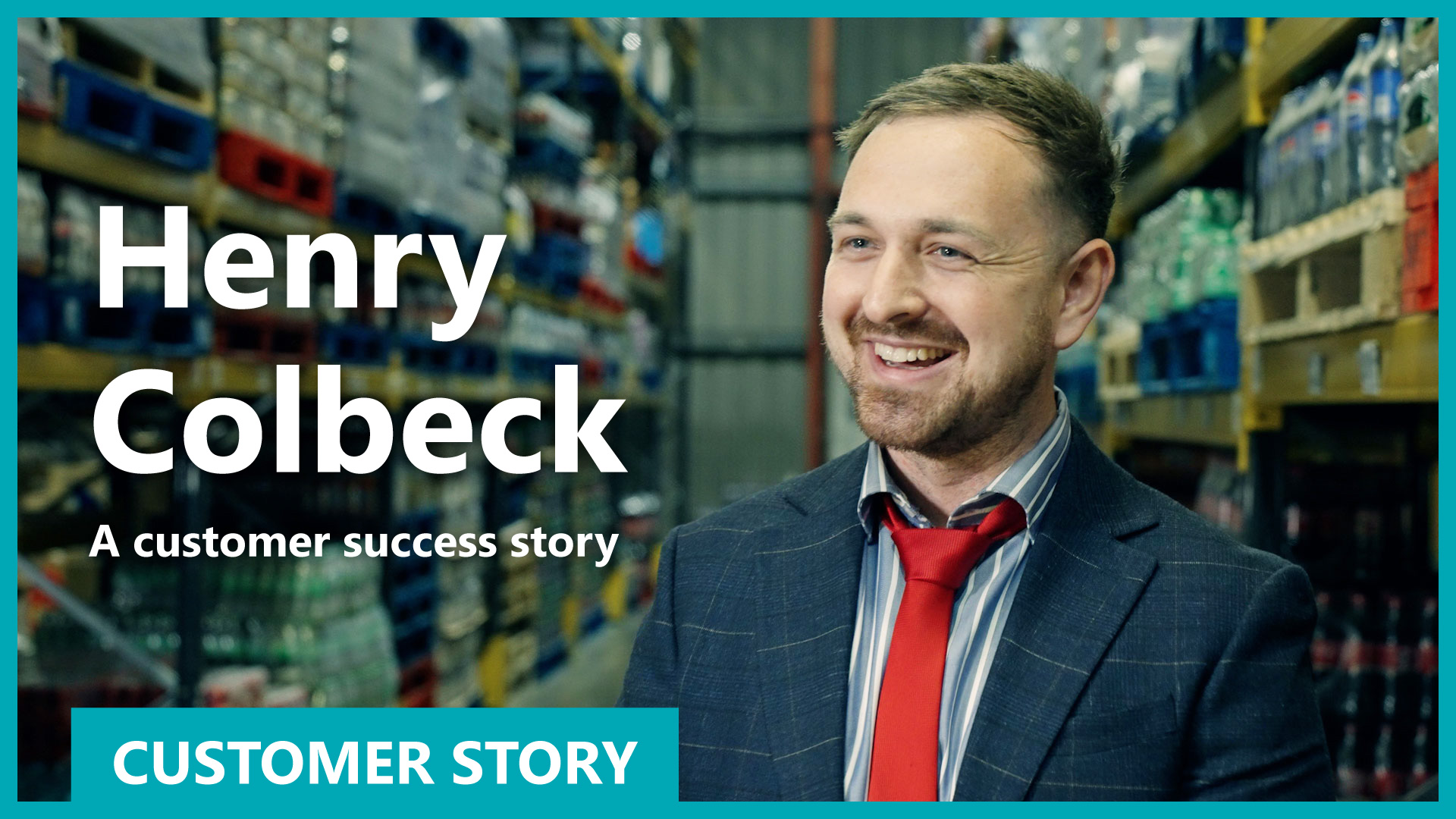
Henry Colbeck customer story
High volume distributor to fish and chip shops, Henry Colbeck, has experienced over 50% growth without increasing their workforce by embracing digital transformation with Dynamics 365 Business Central. Watch the full story here
Interested in Dynamics Food?
If you're interested in deploying Microsoft Dynamics 365 Business Central for your food business, get in touch with us and get a business system that shows you real-time data that you can finally rely on.
Tecman Talks Dynamics | The no-nonsense Podcast for businesses using Microsoft Dynamics 365