

Microsoft Dynamics 365 CRM

Build stronger customer relationships, keep customers engaged, spot opportunities sooner and turn more conversations into lasting value.

Why Choose Dynamics 365 CRM?

Customer relationships are harder to manage when your data, teams and processes don’t join up.

People across the business expect one central place to understand everything that’s happening with a client. When sales updates sit in spreadsheets, customer history is buried in inboxes and service issues are handled somewhere else, it becomes harder to see the full picture, respond quickly and give customers the joined-up experience they expect.

Microsoft Dynamics 365 CRM brings customer data, sales activity, service insight and AI prompts into one place. Your team can see what’s happened, understand what needs attention and act with confidence - whether they’re following up a lead, managing an opportunity, resolving a query or consistently developing a long-term account.
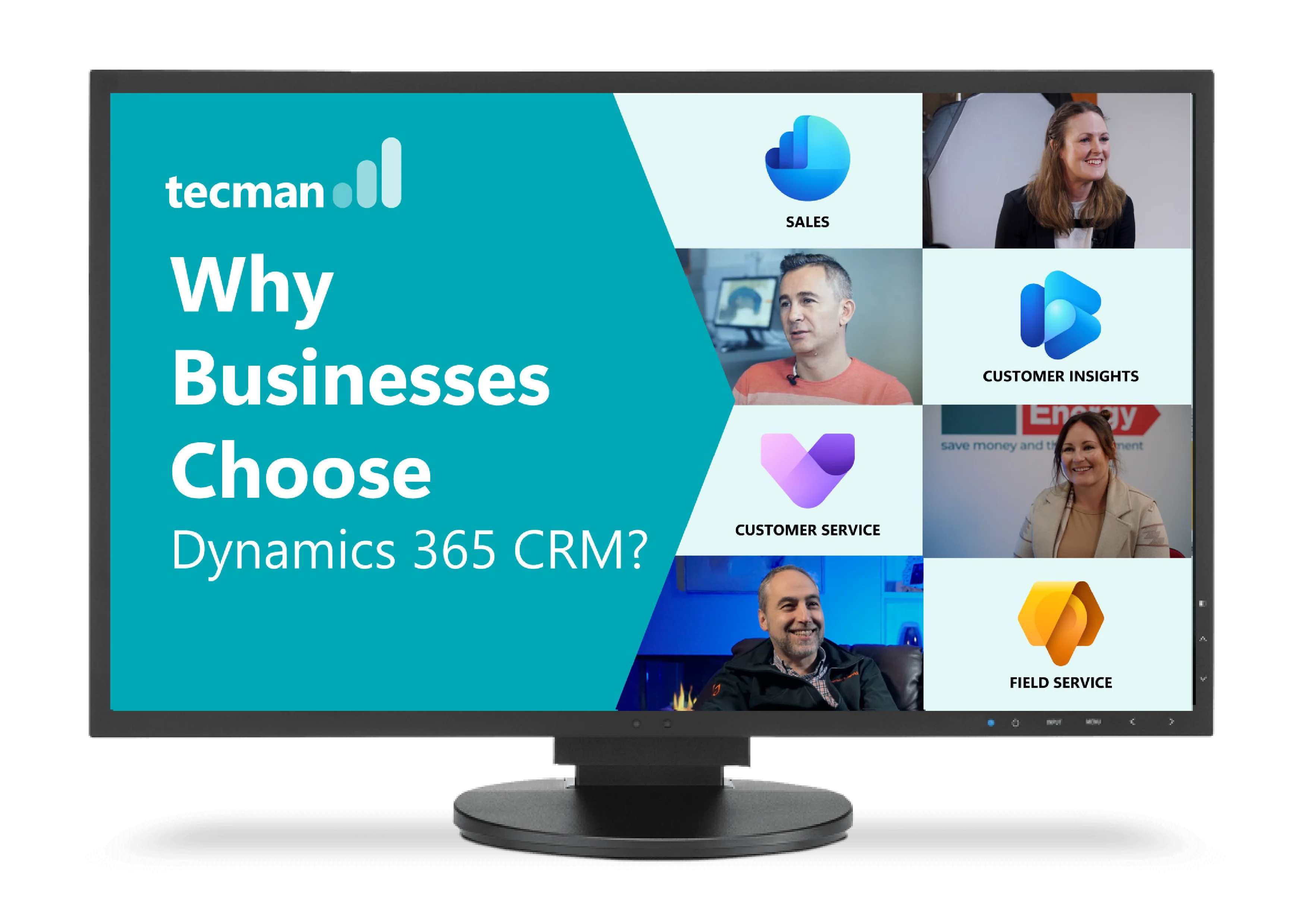

How Dynamics 365 CRM turns customer data into action

Turn more conversations into revenue with Dynamics 365 Sales

Give sales teams one clear place to manage leads, opportunities and follow-ups, helping them focus on the activity most likely to close.

View Sales

Send timely, relevant marketing with Dynamics 365 Customer Insights

Use connected customer data to build sharper segments, automate journeys and keep customers engaged beyond the first sale.

View Marketing

Deliver connected customer support with Dynamics 365 Customer Service

Bring case history, customer info & knowledge together, helping teams respond faster and improve customer experience.

View Customer Service

Give the right service at the right time with Dynamics 365 Field Service

Connect work orders, scheduling, assets and customer history to plan visits, keep customers updated and deliver better service on-site.

View Field Service

Bring intelligent support to everyday with AI & Agents

Use AI to summarise customer activity, suggest next steps and trigger follow-ups, reducing admin and helping teams stay focused on the right action.

View AI & Agents

Build stronger customer relationships with Business Central and Dynamics 365 CRM

Connecting front-office relationships with back-office operations

If you’re already using Microsoft Dynamics 365 Business Central to manage finance, stock, purchasing and operations, Dynamics 365 CRM extends that Microsoft setup into sales, service and account management. It helps teams move from first enquiry to repeat order with fewer gaps between systems and departments.
Because both apps are part of Microsoft’s wider ecosystem, the connection works as part of the platform you already use, helping CRM and Business Central share data, processes and insight more naturally.

fas fa-angles-right

Quote with confidence. Check stock and pricing from Business Central without leaving Dynamics 365 CRM.

Sync the essentials. Keep accounts, contacts, items and orders aligned across ERP and CRM.

See the full picture. Give teams one connected customer view, instead of splitting insight across systems.

Business Central & CRM - your questions

They do different jobs - and they work better together. Business Central is your ERP, running the back office across finance, stock, purchasing and sales operations. Dynamics 365 CRM is your front office, managing leads, opportunities and long-term customer relationships. When sales activity has outgrown spreadsheets and inboxes or even an inadequate CRM tool, a dedicated CRM alongside Business Central makes a real difference.

Image
dupli logo

"One of the main things that we wanted to improve on within our business, is making sure that sales and marketing work cohesively and making sure that we both have the same level of information and we're both working together"

Watch now
Megagen logo

"By having a suite of applications (based on Dynamics 365) that talk to each other, it will deliver endless possibilities for the business to develop seamlessly."

Watch now
Charlton & Jenrick logo

"Now we find that if we work in smart ways and we're looking at what the system can do for us, we can actually be more efficient and grow with less cost. So that's a win-win for us and out customers."
Watch now
Act on Energy Logo

"We were trying to utilise Excel to deliver financial projects and it just didn't work at all. So then we started to look at the use of the Microsoft Dynamics 365 CRM instead. It completely changed the game with regards to the delivery of the projects."
Watch now

How can AI reduce admin and speed up customer follow-up?

With Microsoft Copilot and AI agents built into Dynamics 365 CRM your team can work through customer information faster. Copilot can help summarise activity, draft follow-ups, surface useful insights and suggest next steps, so follow-up and sales and service teams spend less time pulling information together and more time acting on it.

An Agentic CRM takes that even further by supporting specific tasks and processes across your CRM. They can help monitor activity, trigger follow-ups, guide users through workflows and reduce manual admin, turning connected customer data into action without adding more work for your team.

For example, an agent designed for your business could highlight overdue follow-ups, prompt account managers when key customers go quiet, route service queries to the right team, prepare a summary before a customer call or guide users through the next best action in a sales or service process. It could also work directly on your behalf by sending follow-up emails, with as much review and intervention from your team as you need.

AI works best when the CRM foundations are right: clean data, clear processes and the right partner behind it.

working on laptop with AI robot help

How can you reduce disruption when implementing Dynamics 365 CRM?

Image

FOR DYNAMICS 365 CRM

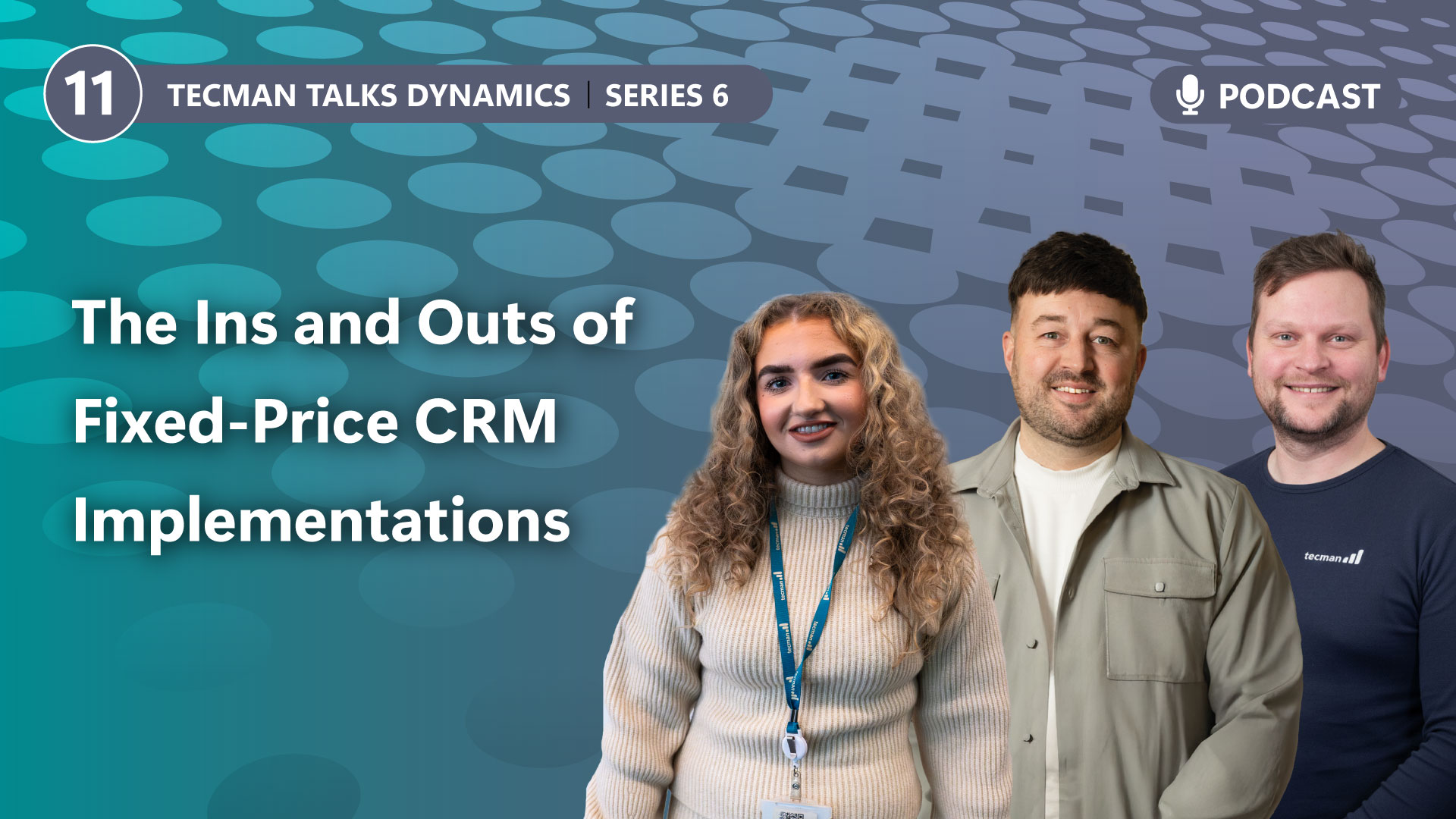
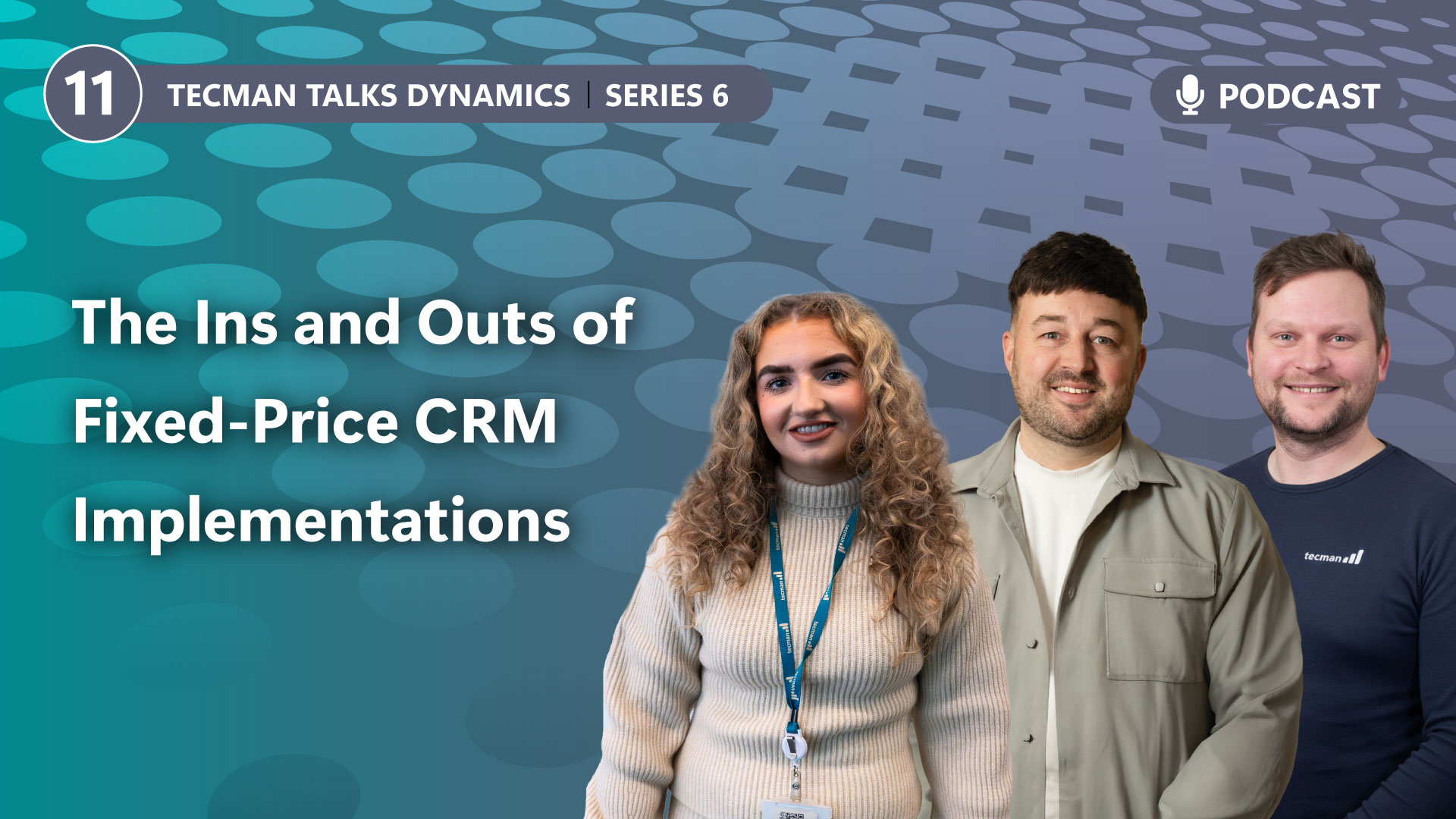
When the need for CRM is clear, the next question is usually how to get started without turning it into a long, open-ended project. Our Primed! implementation approach gives you a proven route to Microsoft Dynamics 365 CRM, combining a best-practice foundation with the right level of flexibility to fit your business processes.

fas fa-coins

Fixed cost

Know what you’re investing from the start.

fas fa-angles-right
fas fa-rocket

Faster go-live

Get the essentials in place quickly.

fas fa-angles-right
fas fa-shuffle

Flexible fit

Shape the setup around your business.

fas fa-angles-right
far fa-face-smile

Less disruption

Keep work on track during setup.

Primed! could be right for you if you want...

CRM without an open-ended project.

Cost certainty from day one.

A focused first phase, not everything at once.

A CRM to fit how your business works, not the other way around.

To see value faster.

You might be interested in...

See all posts

Connect sales, aftersales and service and give every customer a better experience.

Whether you’re replacing spreadsheets, improving an ageing CRM, connecting sales activity with Business Central, another ERP or financial system, we’ll help you shape an approach that fits your team, your processes and your growth goals.

Tell us where your team is heading, and we’ll help you map the best route - from connected Microsoft foundations to a faster start with Primed!.