











Creating sales orders in Microsoft Dynamics 365 Business Central has come a long way from manual data entry. While you can still enter orders manually, the platform offers tools and integrations that make the process faster, more accurate and extra efficient.
By streamlining sales order entry, users free up time for other important tasks – boosting productivity and reducing errors.
Here are some ways you can refine your sales order process today:
If you often create similar orders, the Copy Document feature saves time by duplicating previous transactions, whether that’s quotes, orders, invoices or archived orders.
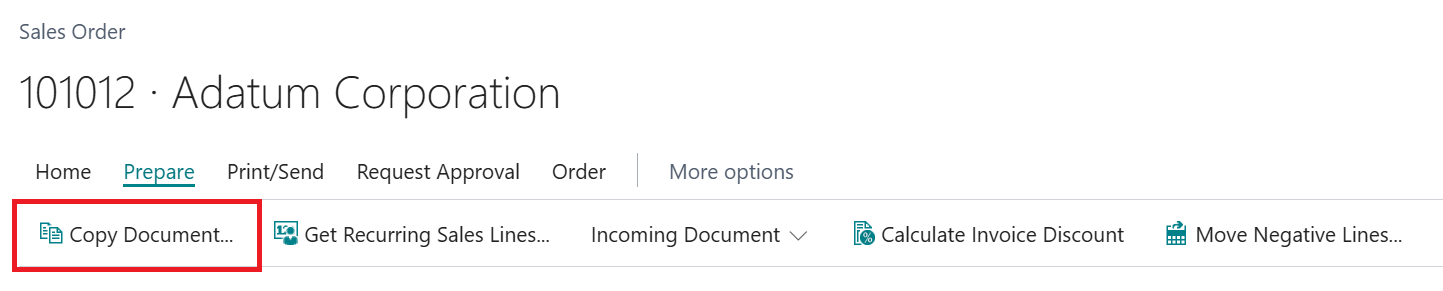
It automatically copies customer, item and pricing details, making it ideal for repeat customers or recurring orders.
For even more automation, consider Recurring Sales Lines. Each customer has a template of Recurring Sales Lines which lists items and quantities.
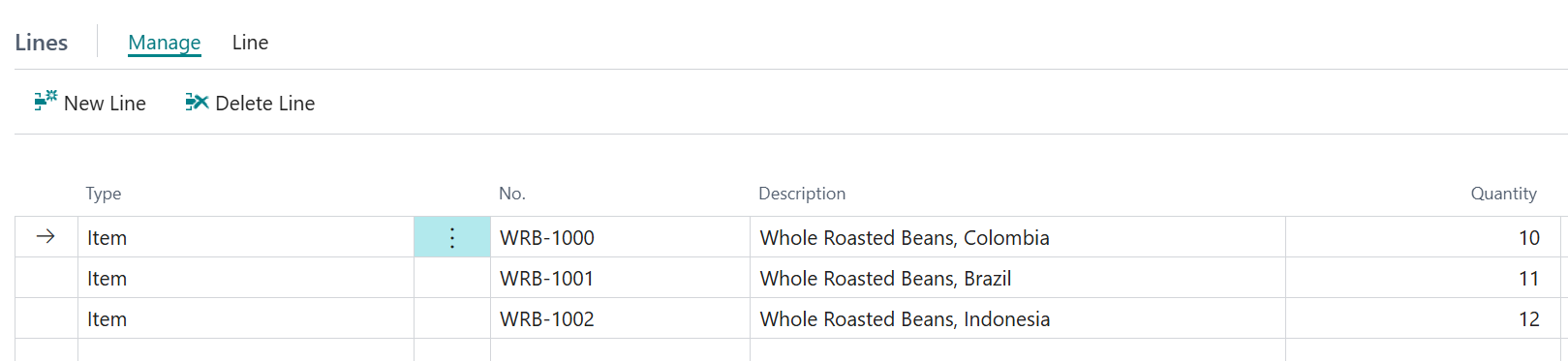
Recurring Sales Lines can be added in several ways:
This flexibility means you can tailor the process to suit your business and reduce manual input.
Multiple items can be added to the sales order by using the Select items, which can be time consuming if you’re scrolling through a long list.
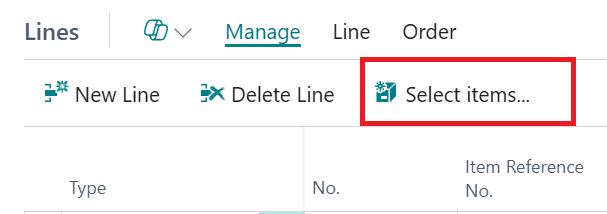
The Clever Trade app from Clever Dynamics (our sister company) has addressed and solved this issue by providing a Sales Item Reorder page accessed from the sales order.
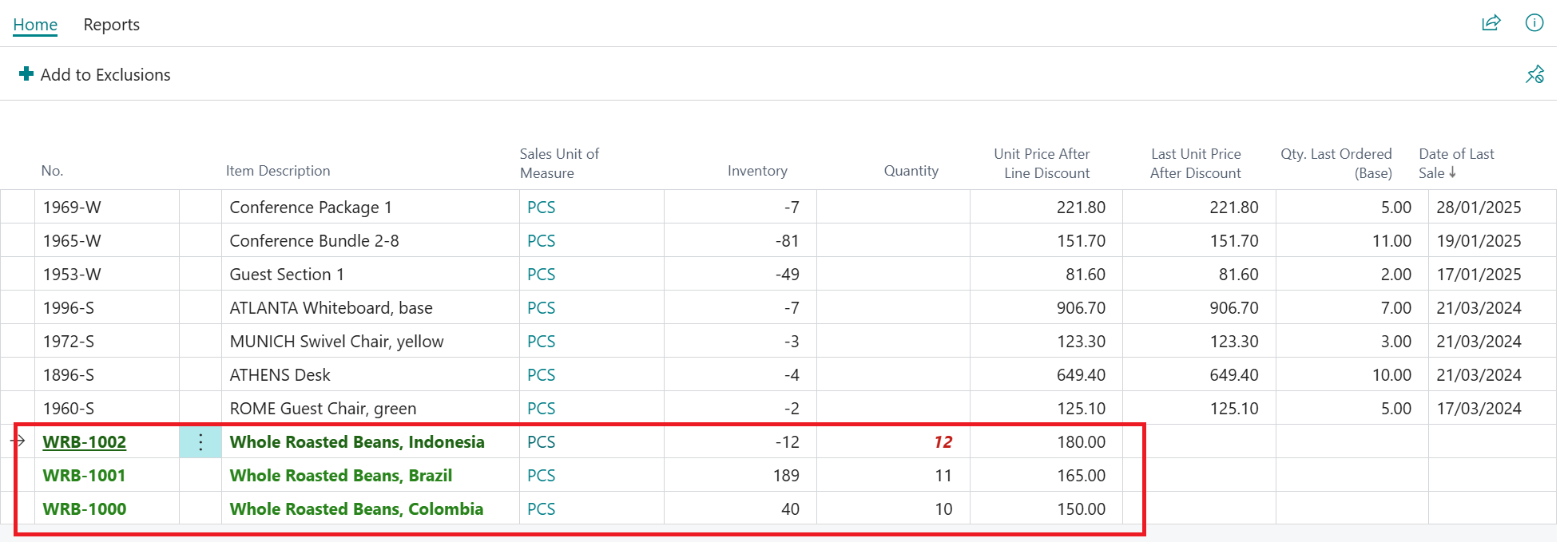
It shows items purchased over a set period and any recurring lines, so you can quickly enter quantities and add them to the order. You can also exclude items customers no longer want, avoiding mistakes.
Note: Any item that a customer does not want to receive any more can be added to their Exclusions, ensuring that incorrect items are never sent by mistake.
For customers who commit to buying a set amount over time, Blanket Sales Orders let you ‘call off’ items when needed.
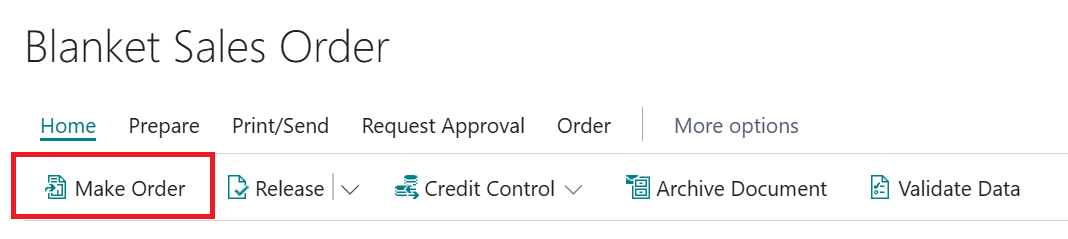
Simply select Make Order and the system creates the order with all details pre-filled – reducing errors and saving time.
The same applies to the quote to order process whereby a sales quote can be transferred to a sales order once approved by the customer.
Over the past few releases of Dynamics 365 Business Central, Microsoft Copilot has been added to many areas to improve visibility of data but also to aid in efficiency by making certain processes quicker, including sales order entry.
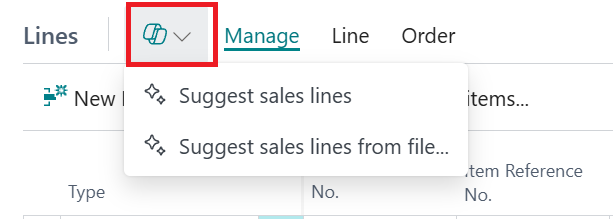
Not only can you ask Copilot to insert sales lines by describing items and quantities or referring to an existing document to copy from, but you can also insert sales lines from a file.
If your customer sends in a csv file, then Copilot can analyse the data and interpret the data to create sales lines. Copilot will map the columns in the file to their appropriate field within the sales line and ignore other columns if no match found, which proves flexible since no two customers could send in an order file with the columns in the same order.
Importing order files is one of the most common methods to create sales orders and Clever EDI from Clever Dynamics provides a totally integrated solution for Microsoft Dynamics 365 Business Central users that need to exchange documents electronically with their customer, vendor or third-party logistics partners.
With no need for manual intervention (unless specifically required) all your EDI messages are received and sent, processed instantly with total accuracy to reduce your administration costs to a minimum.
Clever EDI translates those messages into standard XML formats, before passing them straight through into Dynamics 365 Business Central.
For any companies that deal with retail or wholesale partners then Clever EDI provides order turnaround time and improves accuracy. Making sure that cash flow is not impacted with incorrect data.
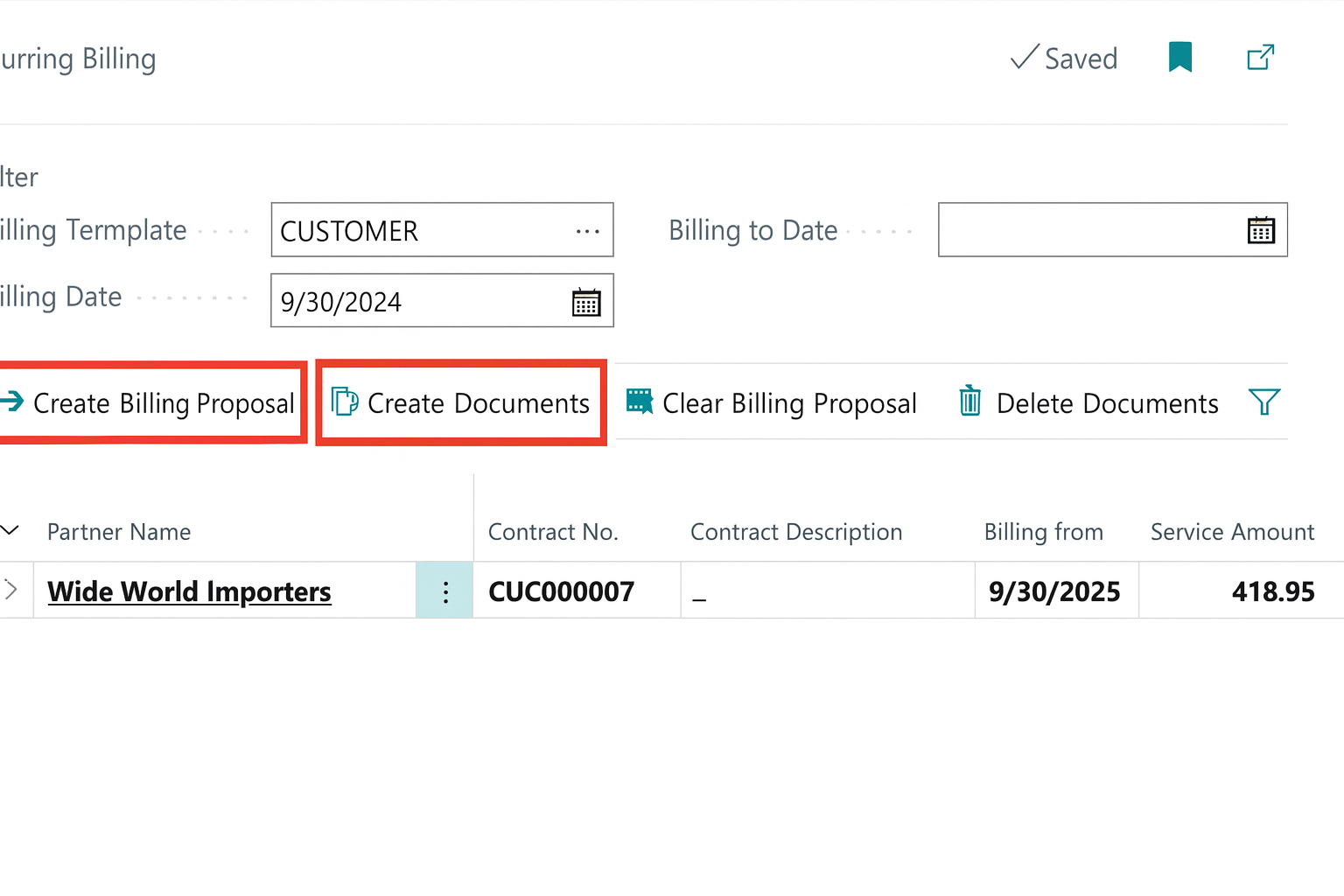
In the more recent versions of Business Central the addition of Subscription Billing makes it easy to charge for agreed services on a regular basis. Flexible billing models mean you can handle different pricing options, manage renewals and set billing periods that work for your business. By automating recurring invoices, you cut down on errors and save time – giving you a simpler, more efficient way to manage your processes.
Based on the configuration on how the customer can be invoiced, Recurring Billing creates the Billing Proposals and generate the documents from this to send to the customer.
Sales Order Agent helps Business Central users automate the process of capturing sales orders. The agent uses AI to analyse customer requests received via email and locates the customer in Business Central.
If important details are missing or more choices are available, the agent engages in multi-turn email conversations to clarify the request. It checks and informs the customer about the availability of the items they're looking for.
While the agent does the bulk of work autonomously, it asks for user intervention when required for various steps to move through the process, such as:
Steps requiring intervention are listed under Needs Attention in the Tasks tab.
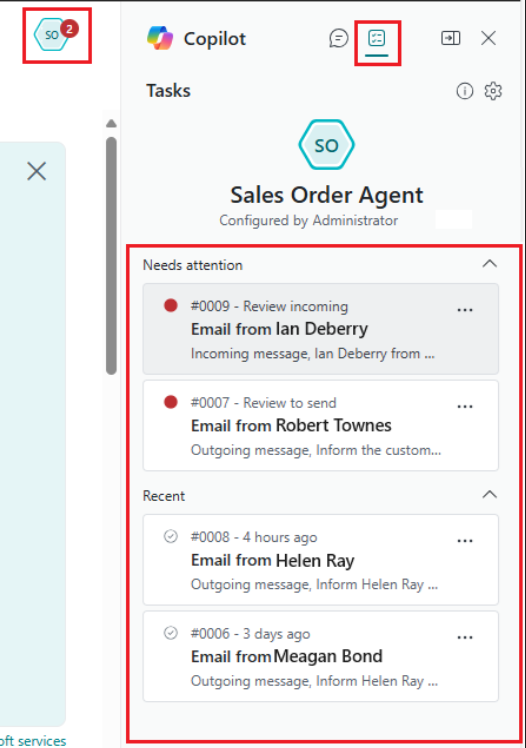
The user can modify a quote or order during the review step for an outgoing email and the agent will follow this up by including the quote or order confirmation in PDF. The agent not only removes repetitive tasks but can reduce user error and creates more time for the user to spend on higher value activities.
For Business Central training, or a conversation about moving your Business Central support to Tecman, drop us your details today.