


Tecman Talks AI is your go-to video series for all things AI in the Microsoft world. Hosts Liam Walton and Ryan Cairns share Copilot tips, tricks and insight to help you discover nifty features and new ways of working with the Microsoft technologies you know best.
Microsoft AI for manufacturers and distributors: smarter tools, sharper decisions
AI is here and it’s ready to transform the way you use Microsoft Dynamics 365 Business Central, Microsoft Dynamics 365 and other Microsoft tools.
With Microsoft Copilot, AI becomes a true team player. From summarising meetings to generating reports, Copilot can take care of repetitive, admin-heavy tasks so you can focus on what really matters. And with 80% of global workers lacking the time needed to do their work, it couldn’t have come at a better time.
At Tecman, we’re constantly exploring ways that Microsoft’s AI capabilities – including agents – can impact our day-to-day work. It changes fast, but we’re here to help you keep up and unlock the full potential of the tools at your fingertips.
45
of leaders plans to expand team capacity with agents in the next 12-18 months
80
of the global workforce say they lack the time and energy to do their work
46
of leaders are using agents to fully automate workflows or processes
2
for Large Language Models to reach 100m users
What is Microsoft Copilot and how does it work?
Microsoft Copilot is an AI-powered productivity assistant. You can access it online, via the desktop app or find it embedded in Microsoft 365 and Dynamics 365 applications.
Talk to Copilot in natural language and it’ll write or review documents, analyse data and even manage ERP and CRM workflows for you, all to help you save time and boost productivity.
There are two Copilot chat modes: work and web. The web version only returns results based on publicly available information which it gets using Bing’s search index. The work version integrates with your business data (including internal documents, meeting recordings, emails and Teams chats) using Microsoft Graph to return information more specific to you and your organisation.
Unlike public AI tools, Copilot runs inside your Microsoft cloud environment. Your data never leaves your tenant, and it’s protected by the same enterprise-grade security, compliance and privacy controls as your other Microsoft software.
Integrated tools and connectors from the likes of GitHub, Adobe and Salesforce can extend Copilot’s capabilities even further. You can find a full list of Microsoft Copilot connectors here.
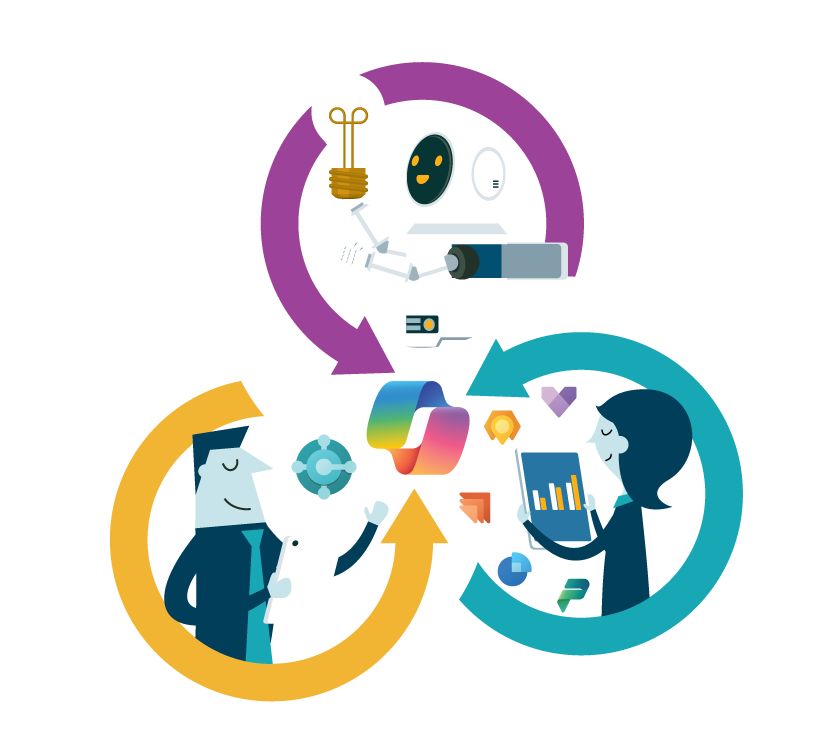
Microsoft 365 Copilot, agents, Cowork and Copilot Studio: how do they all fit together?
Microsoft's AI tools aren't designed to compete with one another. They work together, helping you move from simple assistance to powerful business automation.
COPILOT

Think of Copilot as your AI assistant.
It helps you work faster by answering questions, summarising information, creating content and analysing data across Microsoft 365, Dynamics 365 Business Central and CRM.
You ask. Copilot responds.
AGENTS

Agents take things a step further.
They still need instructions, but they can complete multiple tasks, running in the background while you focus on other things. Autonomous agents require your input initially but can act on their own – for example, you ask for an inbox summary every morning and it goes ahead and does it to schedule.
You define the task. Agents get it done.
COWORK

Cowork helps you tackle more complex, multi-step work.
Instead of completing a single task, Cowork can coordinate a series of actions across different applications, helping teams automate repeatable business processes and save significant amounts of time.
You describe the outcome. Cowork handles the process.
COPILOT STUDIO

Need something tailored to your business?
Copilot Studio allows you to build and customise your own agents using your business rules, processes and data. Whether you're automating internal workflows or supporting customers, it gives you the tools that enhance the way you use your business systems, all designed around the way you work.
You decide what you want. Copilot Studio helps you build it.
Dynamics 365 Business Central and Dynamics 365 CRM agents: built for the way your teams work
Microsoft's growing range of AI agents can take care of repetitive tasks, surface key information and help your teams focus on higher-value work. Whether you're working in sales, finance, customer service or operations, there are agents designed to lighten the load and keep processes moving. Here are some of the key agents available today:
FOR SALES TEAM
Identifies and prioritises the most promising leads, helping your sales team focus on opportunities with the greatest potential.
FOR CUSTOMER SERVICE TEAM
Helps manage customer enquiries by triaging cases, suggesting responses and supporting resolution workflows, allowing service teams to respond more efficiently.
FOR FINANCE TEAM
Extracts invoice information, matches invoices to purchase orders and creates draft purchase invoices, reducing manual finance administration.
FOR OPERATIONS TEAM
Monitors incoming emails and attachments, automatically creating and populating sales orders with minimal manual intervention, helping speed up order processing and reduce errors.
Before you unleash AI: is your organisation ready?
Successful AI adoption isn't just about switching on Copilot or introducing agents. The biggest gains come when the right foundations are already in place. Before rolling out or ramping up use of Microsoft Copilot, agents, Cowork or Copilot Studio it's worth considering:
Permissions and access
AI tools such as Microsoft 365 Copilot use Microsoft Graph and existing user permissions to access business information securely. Reviewing permissions helps ensure employees only see the data they're supposed to see.
Data Quality
AI is only as good as the information it can access. Accurate, well-maintained data helps deliver more reliable outputs and recommendations.
File governance
Organised SharePoint sites, well-managed documents, clear ownership and sensible retention policies make it easier for AI to find and use the right information.
User adoption
The technology is only part of the equation. Helping employees understand where AI fits into their day-to-day work is key to achieving lasting value.
Training and enablement
From prompt writing to understanding agent capabilities, targeted training helps teams get more from Microsoft AI tools.
Policies and governance
Clear AI policies provide guidance on acceptable use, security considerations and data protection responsibilities across the organisation.
AI can deliver impressive results, but preparation matters. Taking the time to assess your environment, data and processes can help you unlock value faster while reducing risk.

FAQs
There are already lots of ways AI can help manufacturers and distributors, and its capabilities are only going to grow from here.
AI-driven insights can predict demand more accurately, help you optimise inventory levels and reduce costly stockouts or overstock situations. And this isn’t just number crunching – it’s supporting a smarter supply chain that responds dynamically to market changes, customer behaviour and seasonal trends.
On the shop floor, AI enables predictive maintenance and process optimisation. Instead of waiting for machinery to fail, AI analyses performance data to anticipate issues before they happen, minimising downtime and extending equipment life. For manufacturers, this means improved efficiency and reduced waste, while distributors benefit from consistent product availability and fewer delays in fulfilment.
AI is making waves in customer experience, too. Intelligent algorithms can personalise pricing, recommend products and streamline order processing, ensuring customers can quickly get what they need.
How Tecman helps you adopt AI with confidence
We help manufacturers and distributors adopt Microsoft AI in a way that delivers value without unnecessary risk or disruption.
Together we can:
Spot where Microsoft Copilot or AI agents will deliver real operational benefit
Ensure AI features are implemented with security, permissions and governance in mind
Align AI capabilities with Dynamics 365 Business Central, Dynamics 365 CRM, Microsoft 365 and your existing processes
AI doesn't walk; it runs – and we’re here to make sure you can keep up. As well as our Tecman Talks AI video series and other public AI content, you’ll get focused sessions at our Business Central and CRM Connect customer events, free workshops and exclusive access to our AI Resource Hub.
With Tecman, you can embrace AI confidently and with clear purpose, turning innovation into real business impact.
You might be interested in...
Resource
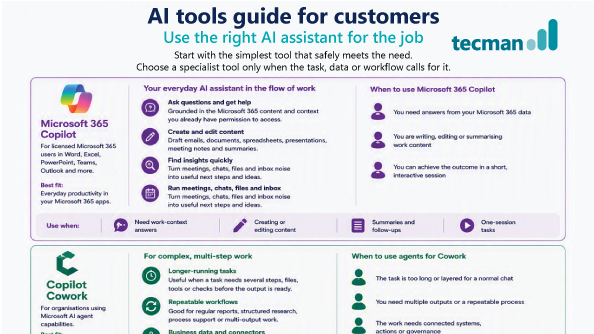
The Tecman AI tool guide
AI is moving at a rate of knots, so how do you know which tool is best for what you’re trying to achieve? Microsoft Copilot helped us create this handy breakdown so you can see what to use when – and other things you should consider.
Cheat sheet
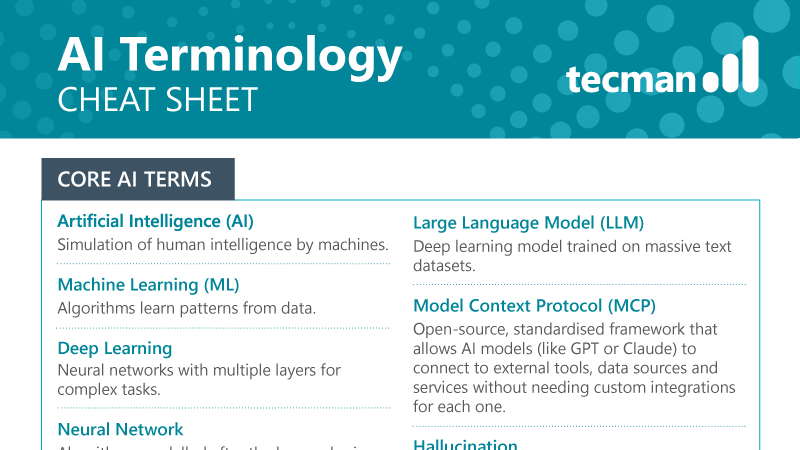
The Tecman AI terminology cheat sheet
Wrapping your head around all things AI can be tricky, even for the most enthusiastic of techies! Here’s our quick, easy-to-digest guide to help you understand some of the most used words and phrases in the AI world.
Blog
What’s coming to Copilot in 2026?
Microsoft Copilot is already playing a big part boosting productivity – and 2026 is going to take that even further. Discover upcoming agents and Copilot features for Dynamics 365 and Microsoft 365 apps.
Blog
8 steps to getting your business AI-ready
AI isn’t about hopping on the latest bandwagon – it’s about ensuring your business is genuinely ready to benefit from it. Read our no-nonsense guide for practical advice on how to introduce AI to your business.
Blog
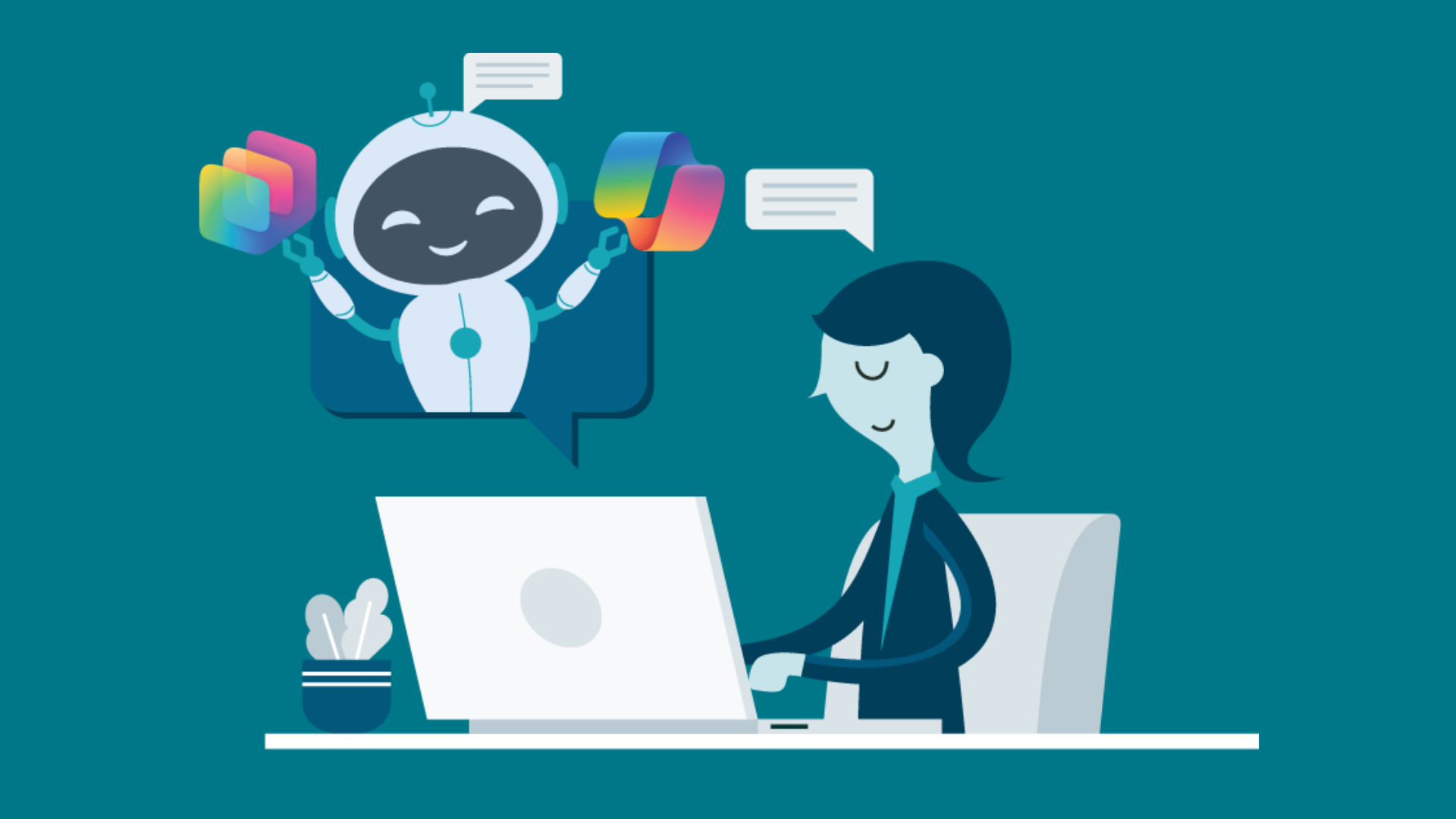
Business Central how-to: Add structure to your lists with Microsoft Copilot
Are you making the most out of native Copilot features in Business Central? Here's a quick tip to help you add more structure to your Business Central lists.
Need help getting started with AI?
Whether you’re an existing Tecman customer or searching for someone to support your first steps on the road to AI readiness, we’d love to help.
Our team are here to listen to your thoughts, ideas and concerns and help you understand what's possible. Let’s do this together.