










In Microsoft Dynamics 365 Business Central, VAT is typically recognised on invoice date for both sales and purchasing. However, some businesses account for VAT on a cash basis. This can prevent them from paying VAT to the tax authority before receiving payment from the customer.
Unrealised VAT lets businesses delay VAT recognition until a customer pays the invoice, rather than when the invoice is issued. Here’s a quick guide on how Business Central can help manage this scenario.
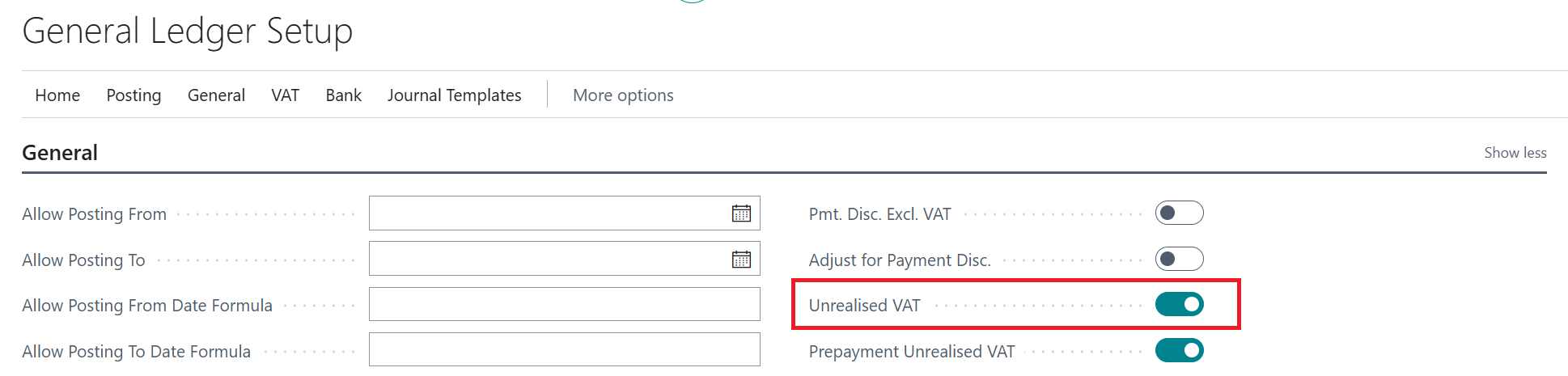
1. Enable Unrealised VAT on the General Ledger Setup page and then go to the VAT Posting Setup page.
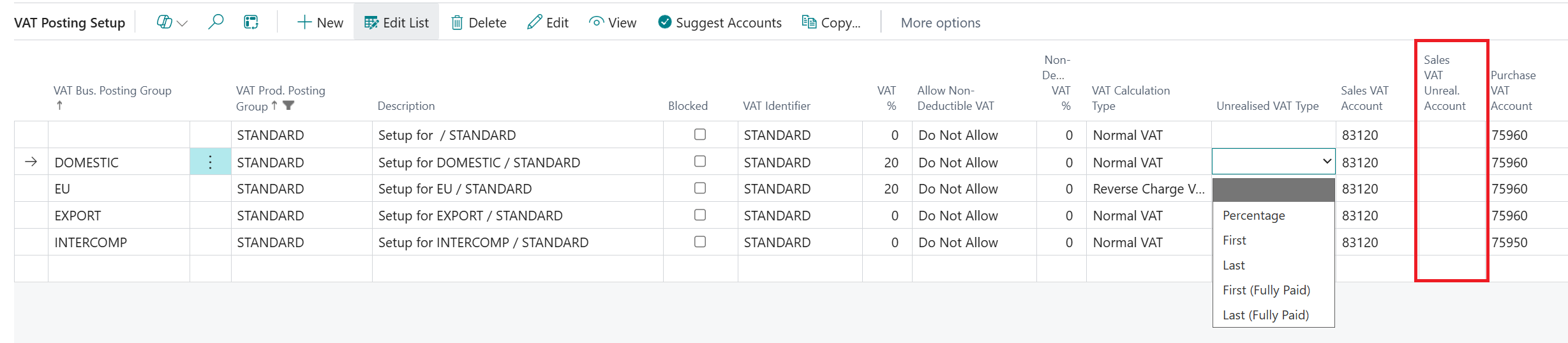
2. Select the appropriate Unrealised VAT Type, then choose the Sales VAT Unrealised Account from your General Ledger accounts.
3. Let’s look at what happens after posting the invoice. Open the VAT Entries page and you’ll see the values in the Unrealised Amount and Unrealised Base fields, rather than the usual Amount and Base fields.

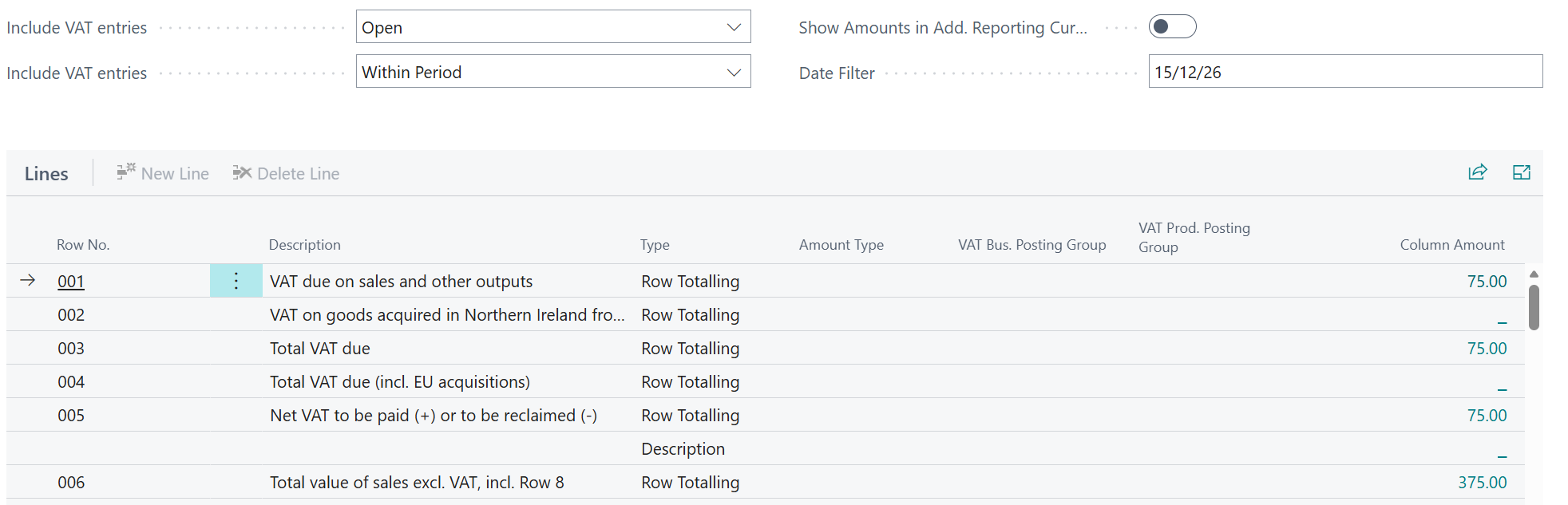
At this point, the VAT Statement will not include these values in the VAT return.
Based on the setup, the VAT will be recognised when fully paid and this is shown when the invoice is paid a month later.

4. VAT will now be accounted for on the VAT return submitted for the posting date period.
It is important to note that Unrealised VAT is a Business Central accounting mechanism, while whether you should use it depends on the VAT accounting rules/scheme the business operates under. So, it shouldn't automatically be enabled simply because delayed payments are common.
For Business Central training, or a conversation about moving your Business Central support to Tecman, drop us your details today.