








In Microsoft Dynamics 365 Business Central, drop shipments allow you to sell items to customers without holding the inventory yourself. The item is shipped directly from your vendor to your customer, while Business Central continues to link and control both the sales and purchase transactions.
Previously, purchase and sales documents had to be processed in a specific order. Although the receipt and shipment were always posted together automatically, regardless of which document initiated the posting, the sales invoice had to be posted prior to the purchase invoice.
Recent enhancements introduce greater flexibility and make it easier to correct mistakes within the drop shipment process.
Previously, purchase orders were created either from the requisition worksheet within the Drop Shipment tab or by manual entry using the Get Sales Orders action. With the latest release of Business Central there are more ways available to create the purchase order for drop shipments.
From the sales order, the Create Purchase Orders action will now consider sales lines relating to drop shipments.
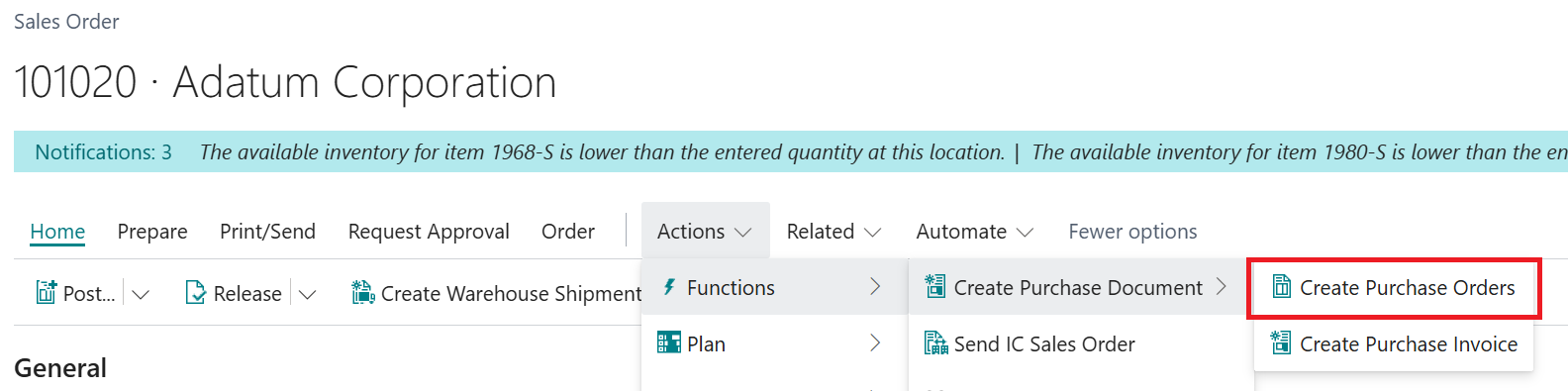
This will create the purchase order based on the default vendor from the stockkeeping unit or if this doesn’t exist it will use the same field from the item card.

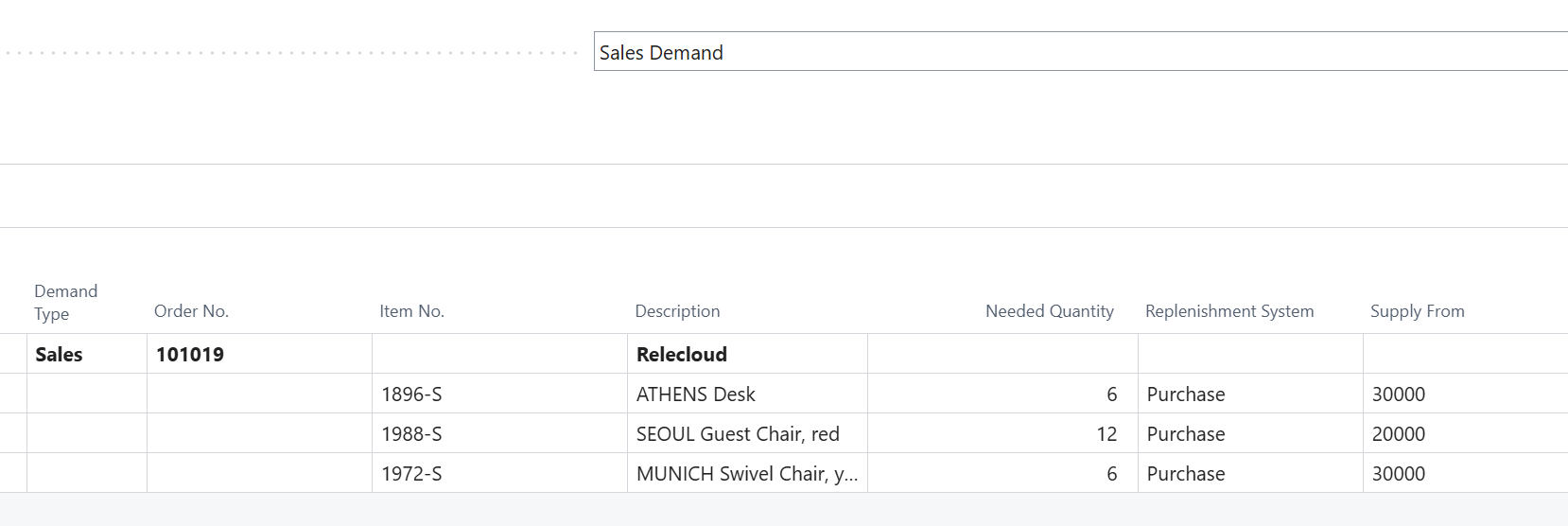
From the Order Planning page, drop shipment sales orders are no longer ignored and included within the Sales Demand.
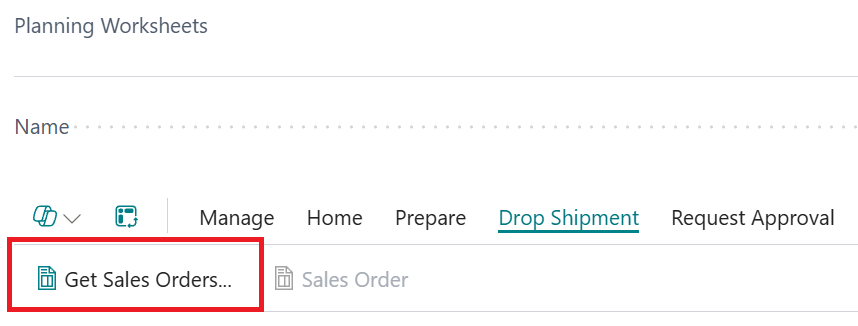
The planning worksheet is now aligned with the requisition worksheet and has the Drop Shipment tab with the Get Sales Orders action.
The order in which transactions are posted is no longer critical.
The receipt and invoice of the purchase order no longer have to be separate – you can now receipt and invoice in one step, leaving the sales order to be invoiced as the last step.
If the purchase order is receipted, the purchase invoice can be created manually and invoiced using Get Receipt Lines, or if you decide to Invoice via Get Order Lines then this does not depend on the sales invoice already being posted.
Prior to this release, there was no way to reverse a purchase order, relating to a drop shipment, that had been receipted in error.
This only worked for purchase orders that were not linked to sales orders and vice versa on the sales shipment due to the following error:

Any mistakes can now be reversed by selecting the option to undo shipment and this time there is no issue with the document relating to a drop shipment.
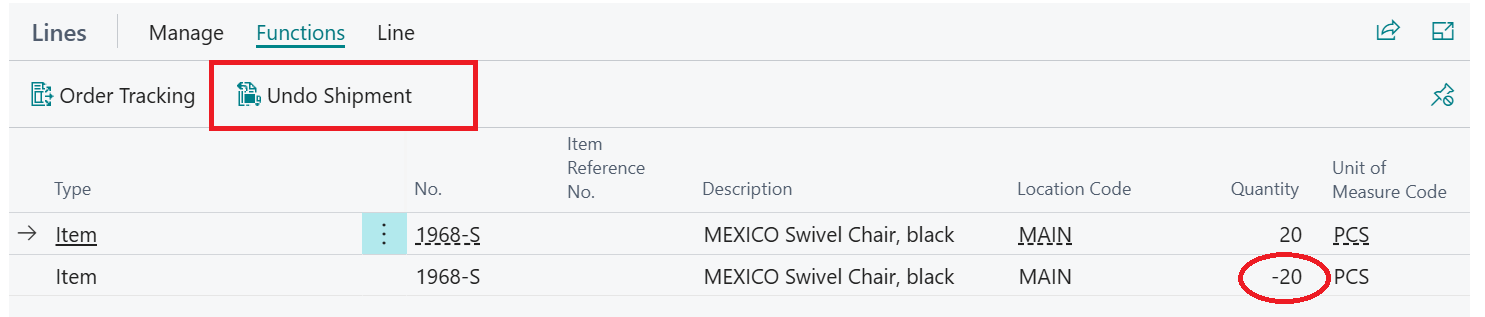
This applies, as long as nothing has been invoiced. Overall, these changes significantly improve the drop shipment process and make it easier to manage.
For Business Central training, or a conversation about moving your Business Central support to Tecman, drop us your details today.