











Since we released Business Central tips and tricks: the financial reporting edition, several new features have landed in the latest version of Microsoft Dynamics 365 Business Central.
One of the most anticipated updates was the ability to schedule financial reports, which is now available, alongside other useful enhancements.
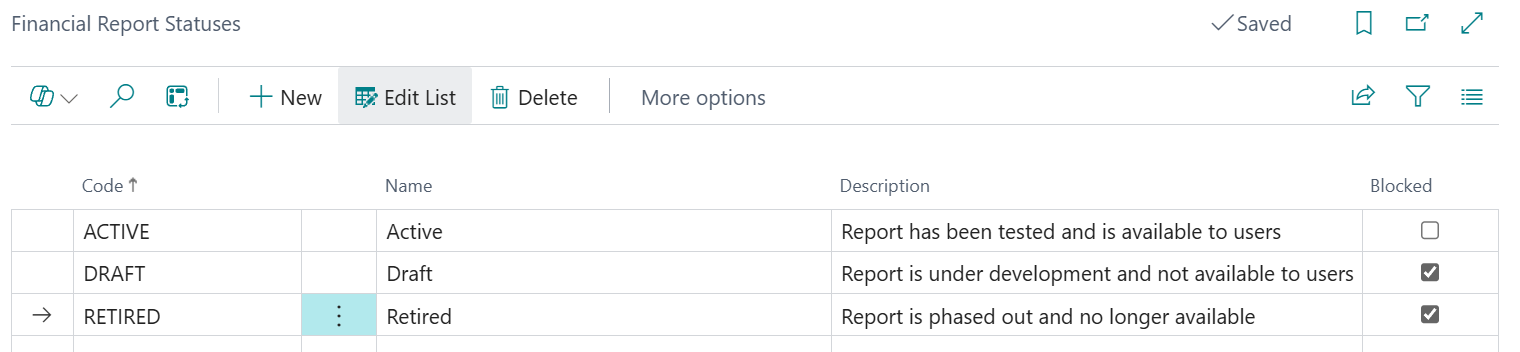
Financial reports can now be assigned a status. The status names are fully configurable and can also determine whether a report is blocked.
For example, using statuses such as ACTIVE, DRAFT or RETIRED allows only ACTIVE reports to be available for use, while others are blocked. This ensures that only approved reports are visible, particularly for users who do not have edit permissions on financial reports, helping to restrict access to privileged users only.
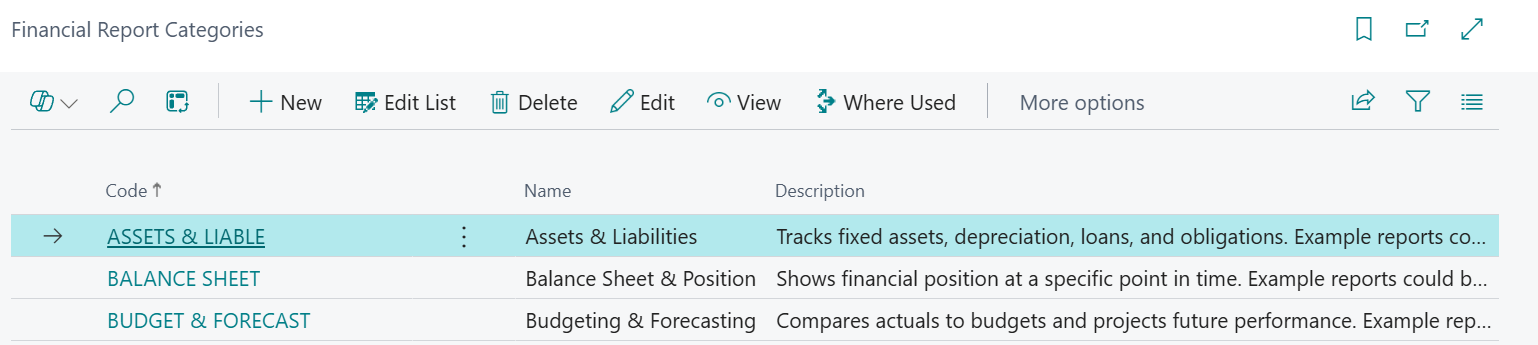
A new field has been introduced to the financial report list to support report classification. This is useful for manually grouping and filtering reports, making it easier to organise reporting content.
The same status can also be applied to Row and Columns Definitions and will be highlighted by changing to red text and stating it has been blocked.

A new Schedules option is available within the Definition action.

From here, you can choose whether the report exports to Excel or PDF, define recipients from the user setup, set when the report runs and configure the recurrence date formula. You can also apply custom filters and define formulas for the start and end dates.

Audit logs, these monitor report usage by format, giving greater visibility over how reports are being accessed and distributed.

Dimension Perspectives can be created to suit specific reporting requirements.
For example, using a perspective type based on a customer group dimension will display the report separately for each dimension value when exported or printed.
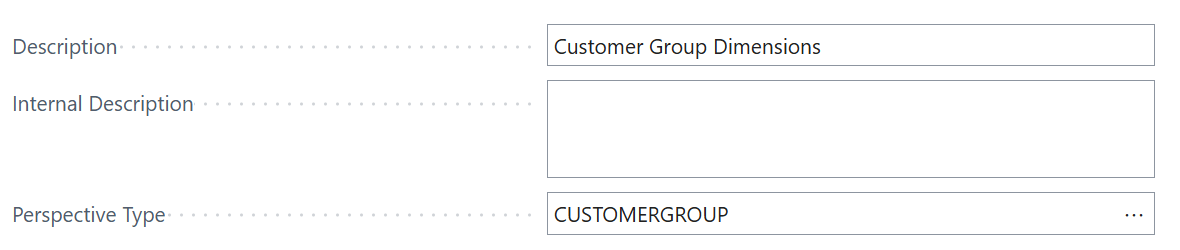
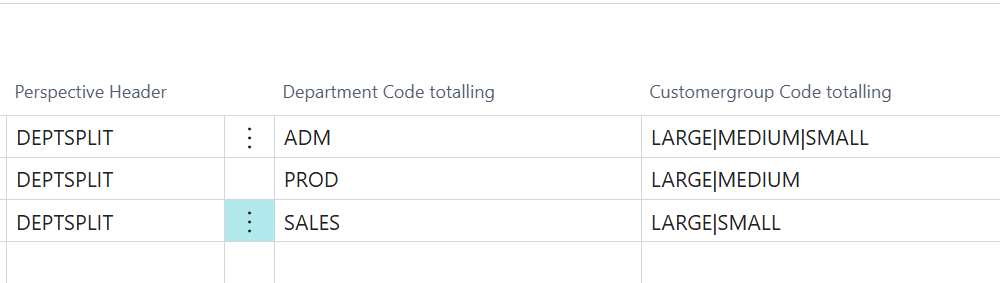
The Perspective Type can be set using Global Dimensions, Business Unit or Custom. The Custom option allows a combination of fields to be configured, enabling totals to be calculated on a dimension by dimension and business unit basis.
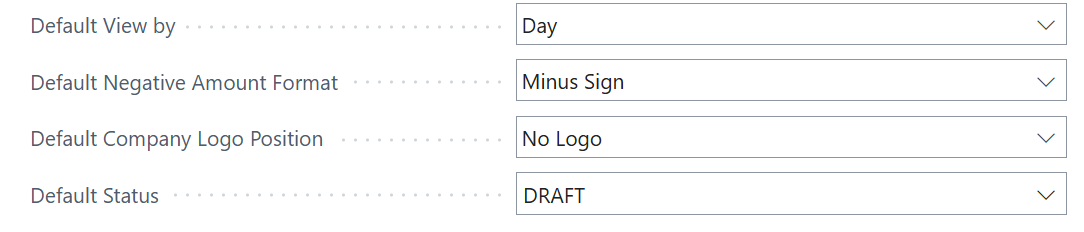
Several new options are available to set as the default within the General Ledger Setup under the Reporting tab, making it easier to control the format of reports for end users, including:
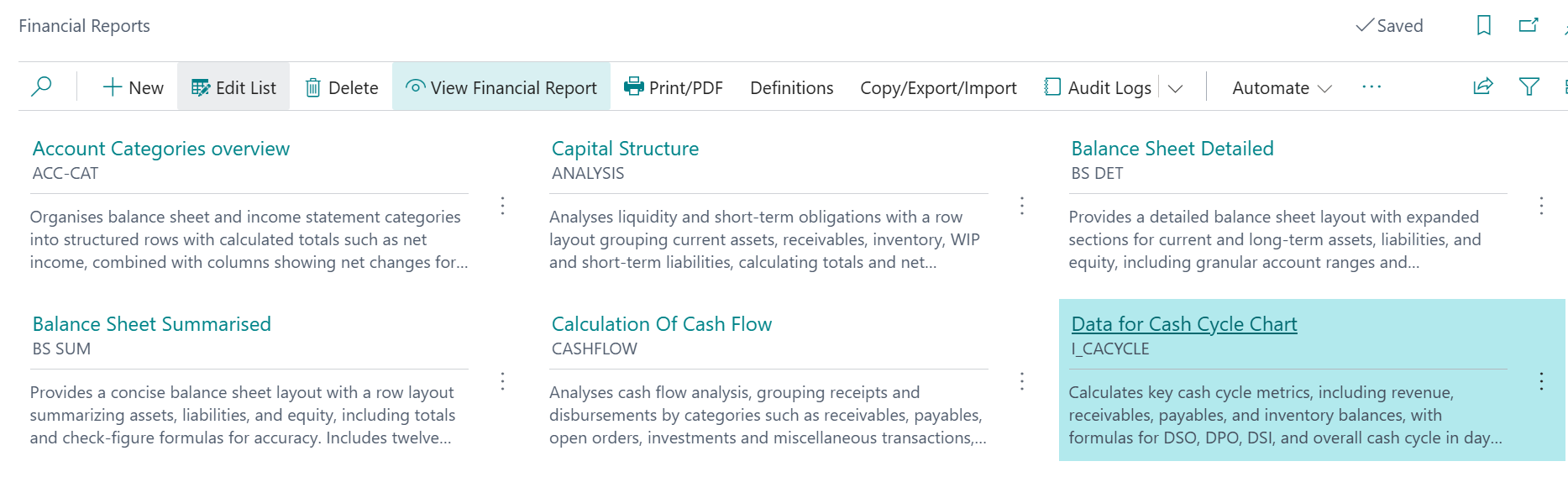
Instead of the usual list view of your financial reports, the user can choose to display tiles. Where there is data present the tile will display the Category, Code, Internal Description, Status and Last Time Run.
A significant amount of work has gone into enhancing financial reports within Business Central, delivering more flexible and user-friendly reporting for end users.
For Business Central training, or a conversation about moving your Business Central support to Tecman, drop us your details today.